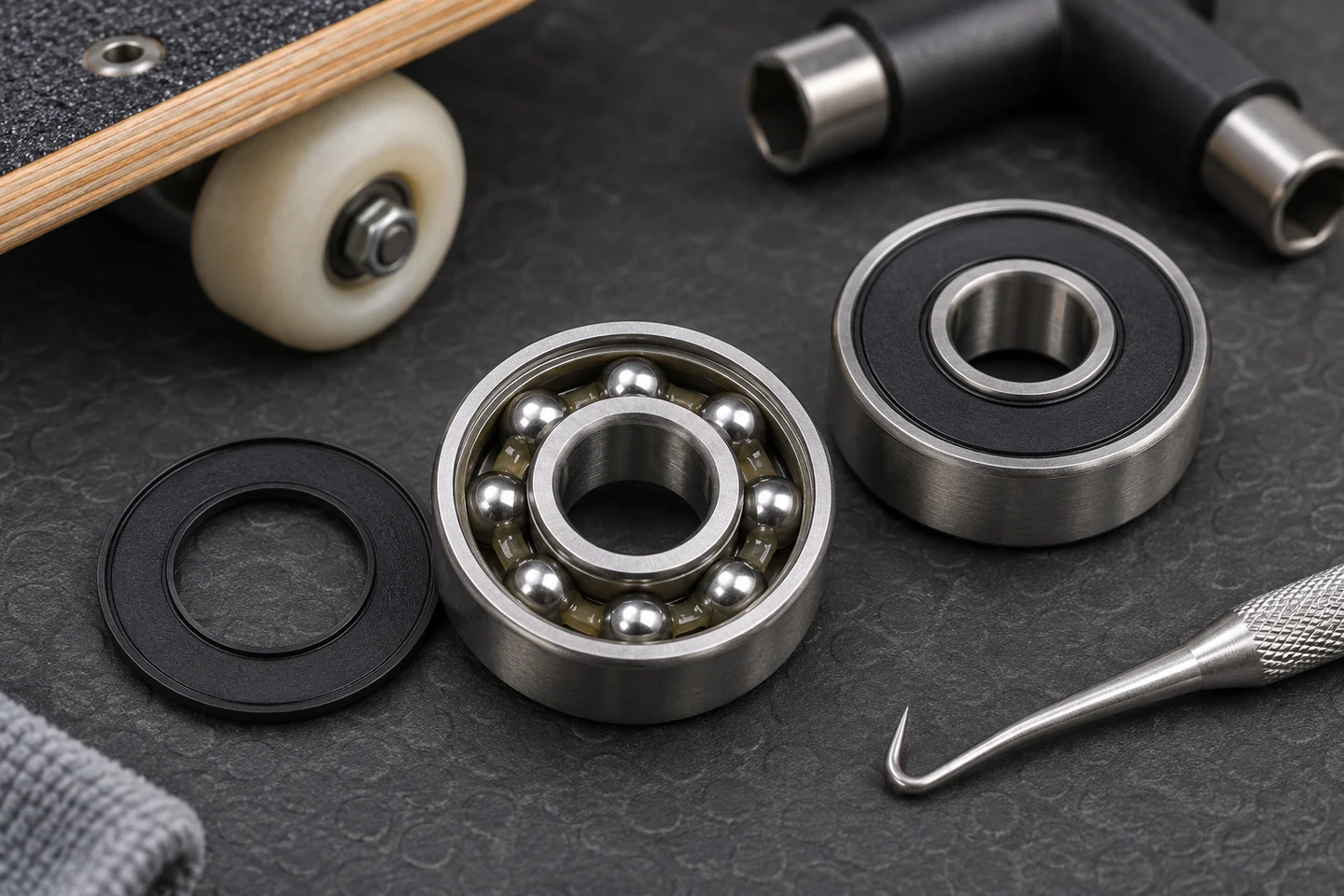
Sometimes a wheel stops rolling freely because the hardware is too tight, the bearings are dirty or a spacer has shifted. Start by spinning the wheel and comparing it with the others. A bearing that still feels rough, has visible damage or develops play after cleaning is a good candidate for replacement.
Choose the right size and pack
Read the old bearing or check the skate maker’s specification. A 608 measures 8 mm inside, 22 mm outside and 7 mm wide. It is common in skateboards, longboards and many roller skates and scooters. Some quad skate plates use a 7 mm axle, and other wheels may use a different bearing or spacer arrangement. Record the old marking and check the bore, outside diameter and width before ordering. Confirm the scooter or inline manufacturer’s axle and spacer setup if in doubt.
| Wheels you are servicing | Bearings needed |
|---|---|
| One wheel | 2 |
| Two scooter wheels | 4 |
| Four skateboard or longboard wheels | 8 |
| Eight wheels across a pair of skates | 16 |
Look beyond ABEC. ABEC grades describe manufacturing tolerances. They don’t tell you how well a bearing copes with skating impacts, grit or moisture. When comparing two sets, check the shields, available maintenance guidance and whether the bearing is intended for your use. Steel is a practical starting point. Hybrid ceramic bearings still contain steel components, so follow their care instructions after wet or dusty sessions.
Match spacers and washers to the wheel. Some hubs use a separate spacer between the bearings, others use an integrated design. The spacer needs to suit the axle and the space in the hub. Keep the original hardware together and replace damaged parts with the maker’s recommended equivalents.
How to change a skate wheel bearing
- Remove the wheel. Put the skate, board or scooter somewhere stable. Use the right skate tool, socket or hex key. Lay out the axle hardware, washers and spacer in order. Take a photo before taking the next wheel apart.
- Use a suitable puller. Grip the first bearing with a tool designed for the bore and hub. Pull straight so it comes out evenly. Withdraw the spacer if the wheel uses one and remove the second bearing. Avoid levering against a brittle wheel core or pressing on the shield. If a tight hub resists, use a matching bench tool or ask a skate shop.
- Clean and inspect the seat. Wipe away grime and check the wheel core for cracks or damage. If the bearing seat is worn or loose, deal with the wheel before fitting new bearings.
- Seat the new bearings squarely. Use a suitable press or tool that supports the bearing as the maker specifies. Hold the first bearing square to the hub and press until it seats evenly. Refit the spacer if the wheel needs one, then seat the second bearing. Keep pressure off the shields. Check the shield orientation in the bearing maker’s instructions.
- Reassemble and test. Refit the wheel with its original hardware in order. Secure the nut or bolt according to the manufacturer’s instructions. Spin the wheel, check it is secure, and compare the feel with the others. If it binds or rocks, check the spacer, hardware and seating before riding. Make a short controlled test on flat ground after any wheel work.
Clean, lubricate or replace?
A serviceable bearing that only feels gritty may improve after cleaning and fresh bearing lubricant. Follow the maker’s instructions for removable shields, solvent and drying. A seized, cracked, corroded or persistently rough bearing is a replacement candidate. Keep new bearings and your tools dry. If the same wheel starts binding again, check the axle and wheel fit as well as the bearing.