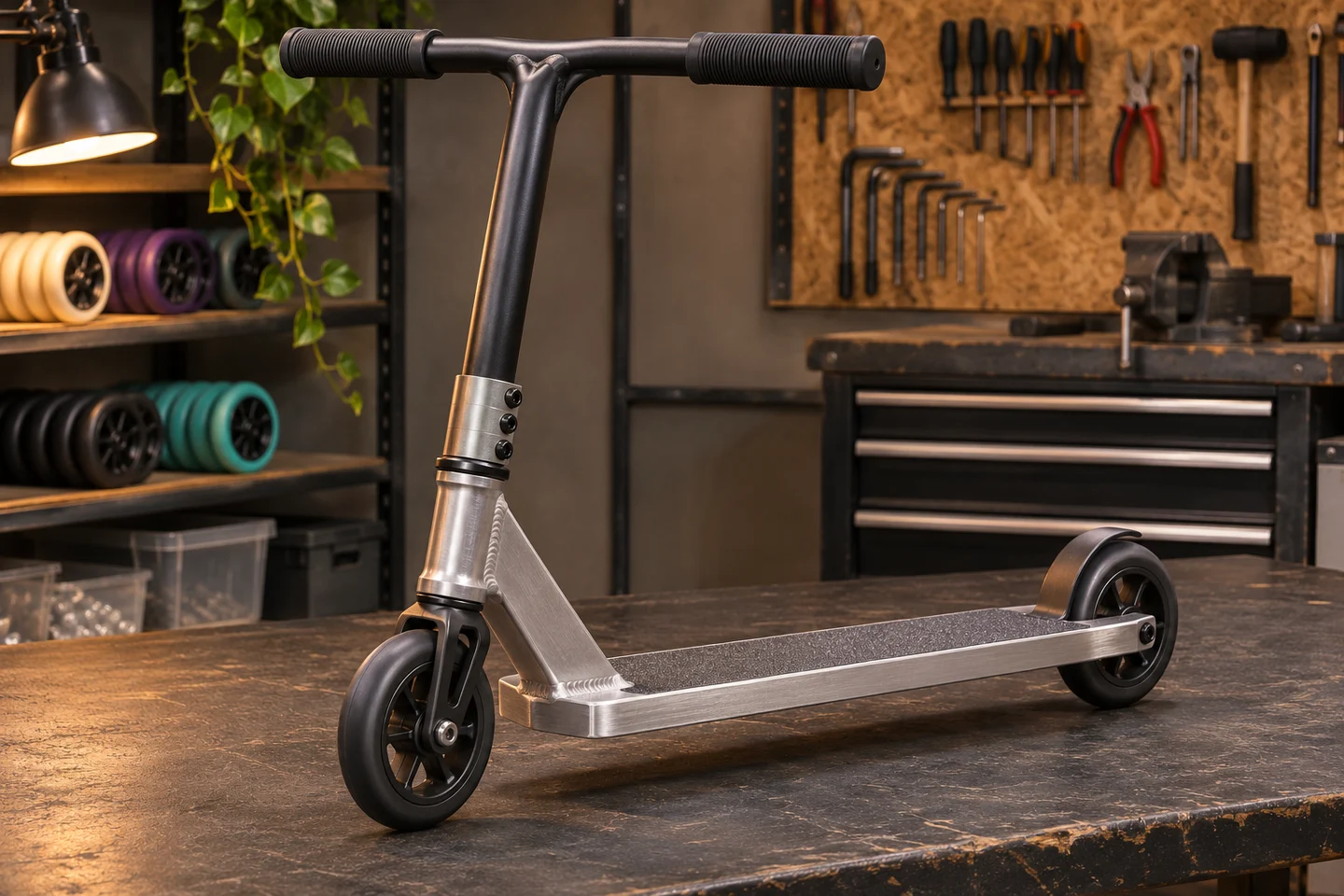
Two wheels can look identical in a shop photo and still use different hubs. Take the model name of your scooter and the markings from the wheel you’re replacing. If you have the old wheel in hand, bring it with you when you ask for advice.
Measure both ends
Check the fork’s maximum wheel diameter and the clearance under the rear brake or fender. Check hub width as well as wheel diameter. The deck and fork both have to accept the new wheel width. A wheel that fits the front may still be wrong for the back.
Match the axle and spacer
Check axle diameter, bearing size and whether the replacement wheel comes with bearings and an internal spacer. Use the manufacturer’s compatibility details for your fork, deck and wheel. Where a system needs its own axle or spacers, order the parts together. Never improvise spacing to take up a gap.
Choose the feel once fit is settled
A larger diameter can feel smoother on rougher surfaces, while a smaller wheel can keep the setup low and compact. Wheel hardness and profile affect grip and feel. Pick a fit you can verify first. Then choose the wheel that makes sense for the surfaces you ride.
Measure the parts that can stop a wheel fitting
Read the markings on the wheel and check the maker’s wheel specifications. Measure hub width at the bearing faces and compare the axle diameter with the specification. A 110 mm wheel can have a different hub width from another 110 mm wheel. Compare the actual space around the rear brake or fender as well as the opening in the fork.
| Check | Where to find it | Why it matters |
|---|---|---|
| Diameter | Wheel marking or spec sheet | Too much diameter can hit the fork, deck or rear brake. |
| Hub width | Measure across the bearing faces or check the listing | Needs to fit between the mounting points with the right spacers. |
| Axle and bearings | Manufacturer’s part numbers or measurements | The axle must match the bearing bore and the assembly. |
| Spacers and brake | Manual for both deck and fork | Ensures the wheel sits centrally and turns freely. |
After installation, turn both wheels by hand and check they’re centred, secure and clear. If you can’t identify the axle or spacer, take the original wheel and the model name to the shop. Avoid forcing a wheel into a narrower fork.
Match the hub, then choose the tread
Look for a three-part specification such as 110 mm diameter × 24 mm hub × 8 mm axle. Diameter is edge to edge, hub width is the space occupied at the axle and bore is the hole through the bearing. A 120 mm wheel can fit the fork but rub a rear fender; a 30 mm hub can be too wide even when diameter and bore match. Some models use 12 mm axles, so keep the existing wheel, spacer and axle together while you check.
A solid core and a hollow core describe how the metal centre is built. A hollow core can save weight; the material, design and maker’s intended use matter as well. Wheel hardness and urethane formula affect grip and feel. Choose the compatible dimensions first, then compare tread and weight. Spin the fitted wheel under the maker’s axle setting before riding.
Frequently asked questions
Should I replace both wheels at once?
Inspect both. Follow the maker’s guidance on matched sizes and replace any wheel with cracks, separation or excess wear.
Can I use the same spacers?
Only if the replacement wheel and axle use the same spacer arrangement. Check the specific setup.