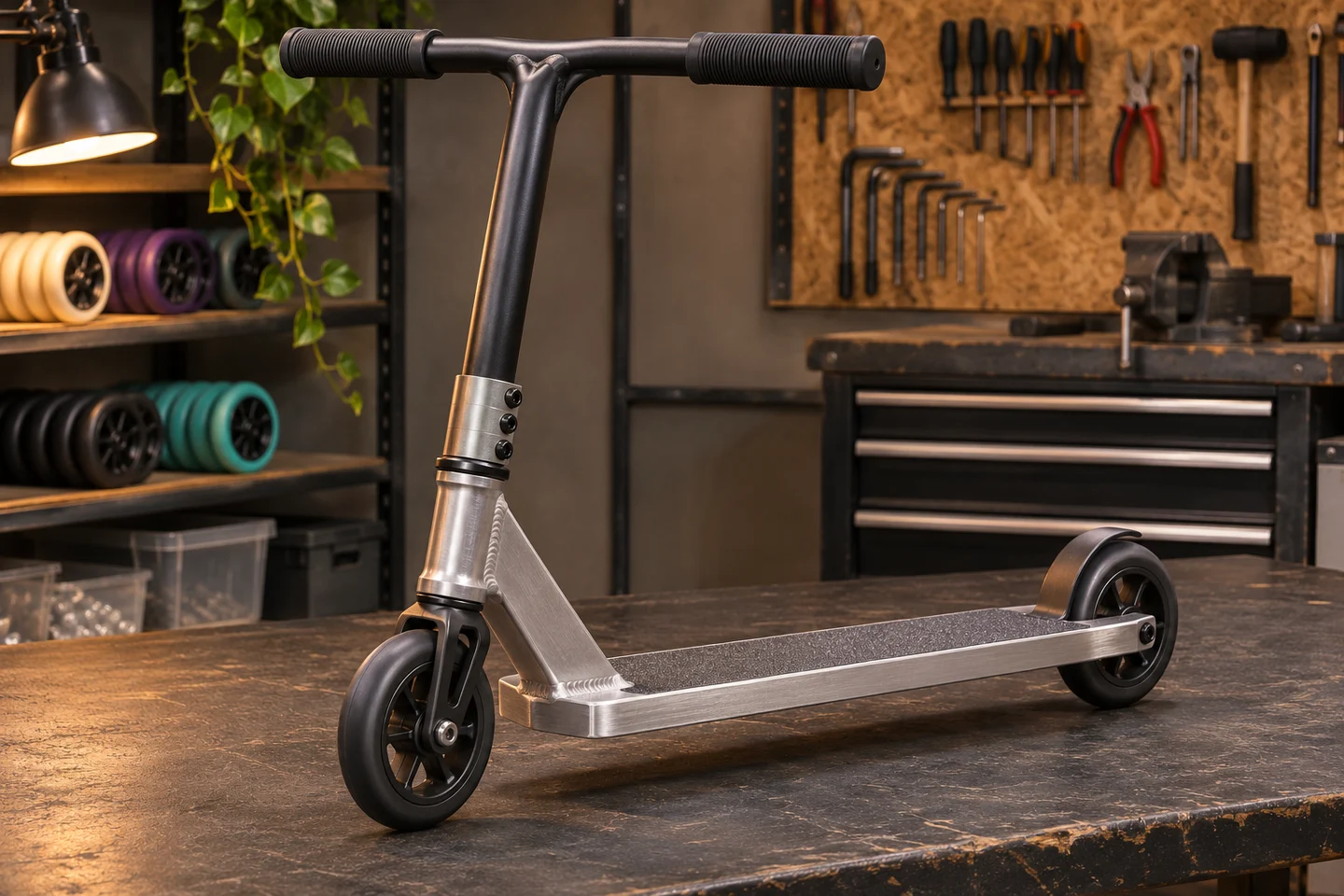
Watch the deck first. On a tailwhip it circles below the rider. On a barspin it stays under their feet while the bars turn. This list separates tricks by what to watch so you can pick them out in a run and decide what you want to learn next.
Start with balance and direction
- Bunny hop. The rider lifts both wheels clear while keeping their hands on the bars and feet on the deck.
- Manual. The rider rolls on the rear wheel with the front up. A nose manual puts the balance over the front wheel instead.
- Fakie. The scooter rolls backwards. It often connects a 180 or a turn on a bank to the next forward move.
- 180 and 360. The rider and scooter rotate together through half a turn or a full turn. A flat-ground 180 can set up a fakie.
- Bank transfer. The rider travels from one bank to another, sometimes clearing a gap. Watch the angle of the next landing.
Follow the deck, bars and feet
- Tailwhip. The deck circles the steering axis and comes back under the feet. A heelwhip sends it in the opposite direction to the rider’s usual tailwhip.
- Barspin. The bars make a full turn while the deck stays in place beneath the rider, unless another trick is added.
- X-up. The rider crosses their arms by turning the bars without letting go, then straightens them.
- Airwalk. Both feet come off the deck and extend in opposite directions, as if taking a step in the air.
- Can-can. One leg crosses the deck; a no-footed version extends both legs to the same side.
- Candy bar. One foot extends over the handlebars and comes back down to the deck.
- Decade. The rider rotates their body around the steering column while keeping hold of the bars.
- Fingerwhip. A hand starts the deck spinning. Watch the hand leave and return to the grip before the rider catches the deck.
Park moves and older names
- Alley-oop. The rider turns in the air against the direction they were travelling across the ramp.
- Disaster. The rider turns onto the lip and briefly stalls with the middle of the deck across the coping before returning down the transition.
- Boardslide. The underside of the deck slides across the obstacle. A peg grind makes contact on the pegs.
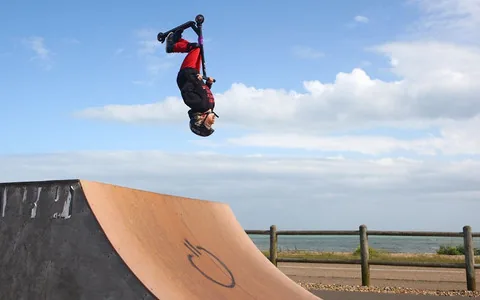
- Backflip. Rider and scooter turn backwards together through a full revolution.
- Acid drop. An older name used for dropping from an edge into a lower surface. The RollBack archive used it for a variation where the rider jumps onto the scooter as they drop.
- Cali slider. The rider lifts the rear end and slides or pivots with the weight towards the front. Usage varies, so watch how it’s done in the clip.
- Cannonball. A no-footed air with both hands grabbing the deck. The rider has to return both hands to the bars before landing.
- Chairman. A nickname for a seated-on-the-bars variation, with the legs out in front. You’re more likely to hear it in an older edit.
Build one clean move into a line
Start with rolling control, a small hop and a comfortable turn on flat ground. Then watch how a rider uses a bank transfer or fakie to link two parts of the park. Advanced releases, stalls and flips are easier to identify once you can see how the rider set them up.
Check the scooter before a session
Read the park and take your turn
Read a combination one movement at a time
A barspin to tailwhip turns the bars first and then circles the deck. A 360 tailwhip combines a full body-and-scooter turn with a full deck rotation beneath the feet. On a ledge, a boardslide puts the deck’s underside on the feature; a peg grind puts the peg there. Spot the point of contact before following how the rider exits.